Wireless Carplay Adapter Apple Auto Carplay For Tesla Model 3/Y/S/X
Wireless Carplay Adapter Apple Auto Carplay For Tesla Model 3/Y/S/X
Couldn't load pickup availability
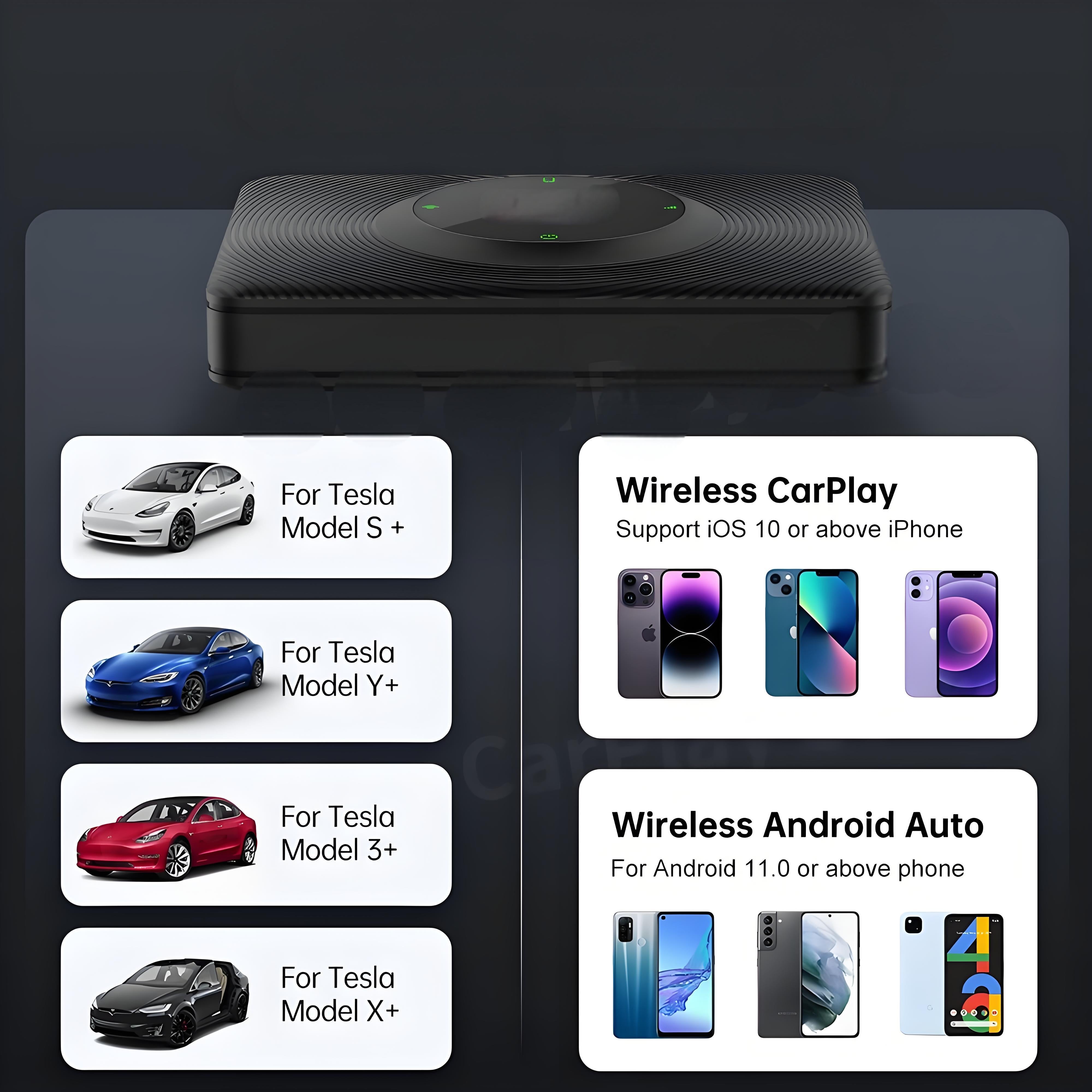
Wireless CarPlay for Tesla Original Car Screen Interconnection Box, Compatible with Tesla S, X, Model 3, Model Y 2018-2025
Australia not available.
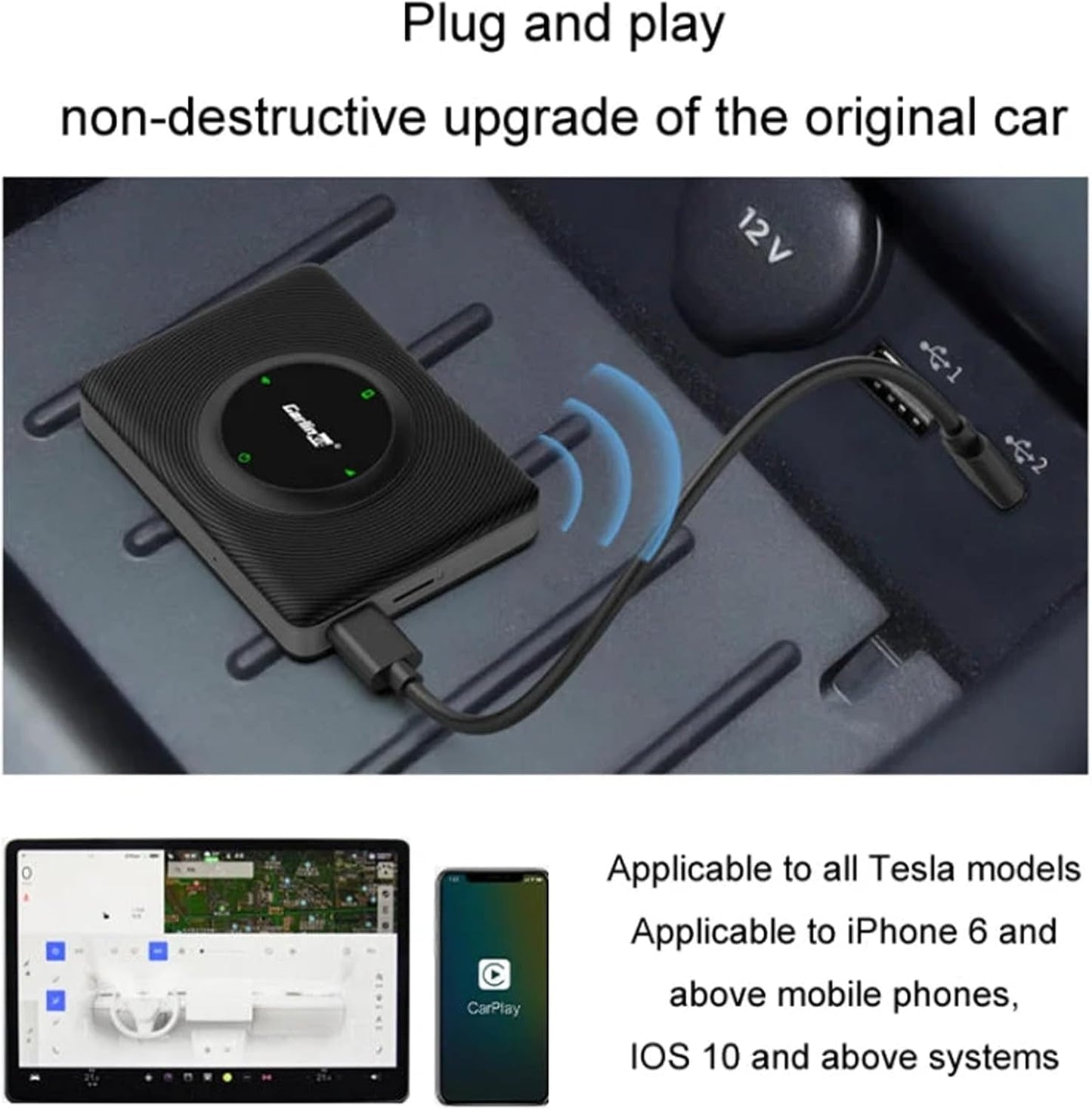
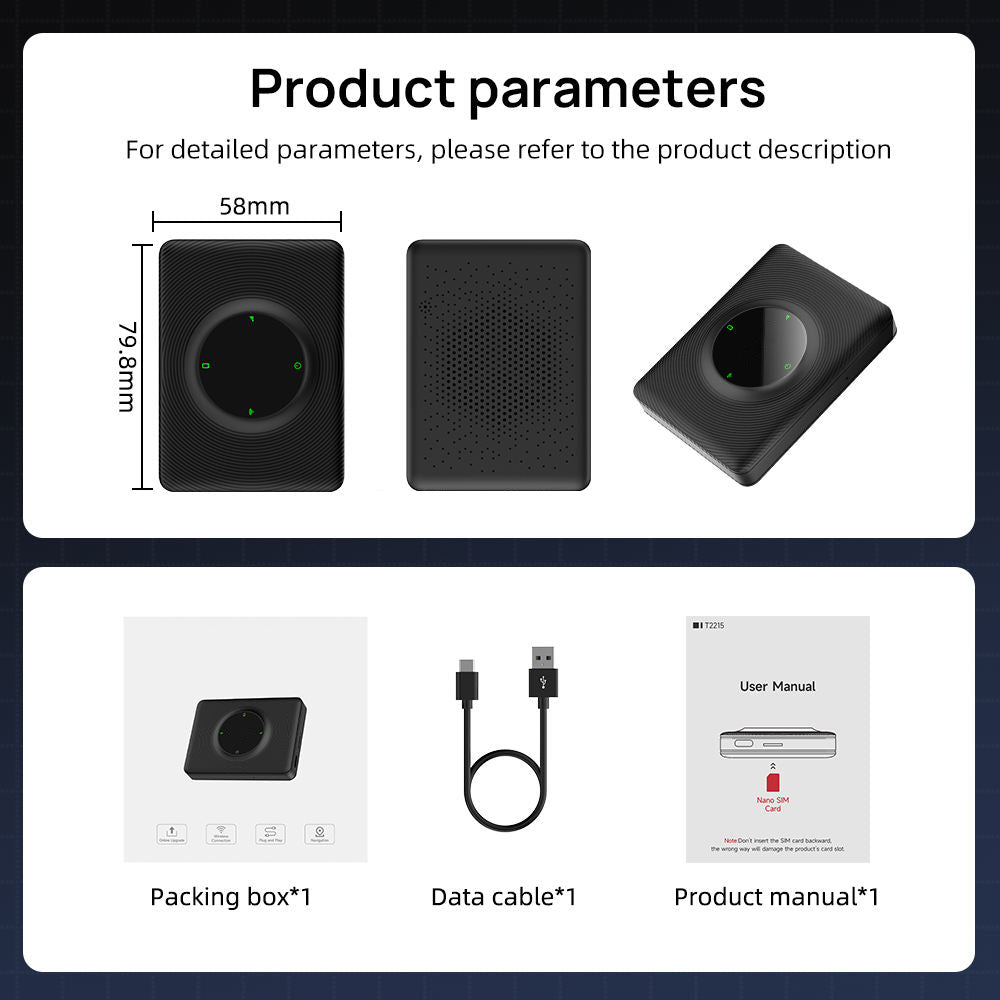
- Premium Material and Compact Design: Made of durable ABS+PC, measuring 79x58x15.8mm. Plug-and-play installation ensures a non-destructive upgrade for Tesla (Model Y/S/3/X) without altering the original car system.
- Dual-Band WiFi and Stable Connectivity: Supports 2.4G+5G dual-frequency WiFi (802.11 a/b/g/n/ac) for fast, stable transmission. Seamlessly syncs phone history and supports third-party map downloads for Tesla screens.
- Smart Voice Control and Compatibility: Use voice commands for Tesla navigation, music, calls, and messages. Works with iPhone 6+ (iOS 10+) and requires the car browser to be accessible while driving.
- High-Performance Audio and Low Power: 3W power output with a 25dB signal-to-noise ratio for clear sound. Optimized for Tesla’s 5V system to ensure energy efficiency.
- User-Friendly Features: Retains original Tesla screen functionality while adding smart features. No system damage—familiar interface and automatic mobile data sync for Tesla drivers.
Usage Requirements:
Requires in-car system support for external WiFi + in-car system to allow browser access to external websites while driving.
Solution for Frequent Disconnections: Please try the following steps separately:
1. Access the box's backend and upgrade to the latest version.
2. Change the WiFi channel in the box's backend.
Accessing the backend: Enable your phone's hotspot, connect the box to your phone via Bluetooth, then enter 192.168.3.1 (192.168.43.1 for Bluetooth hotspot versions) in the built-in browser to access the backend.
3. Check if network instability is causing the issue (4G version: inspect SIM card; Bluetooth version: verify mobile network/signal strength)
4. Replace the URL with tespush.cn
Easy Setup and Configuration
Package list: 1*iOS Carplay multimedia box 1* USB C Cable to connect to your car 1* User's manual